

Connect iMessage
Notis integrates seamlessly with iMessage, allowing you to interact with your Notion workspace through Apple’s native messaging platform. This integration enables you to access, create, and manage your Notion content directly from iMessage on your iPhone, iPad, or Mac. How to Connect- Head over to notis.ai and click on “Start for free”.
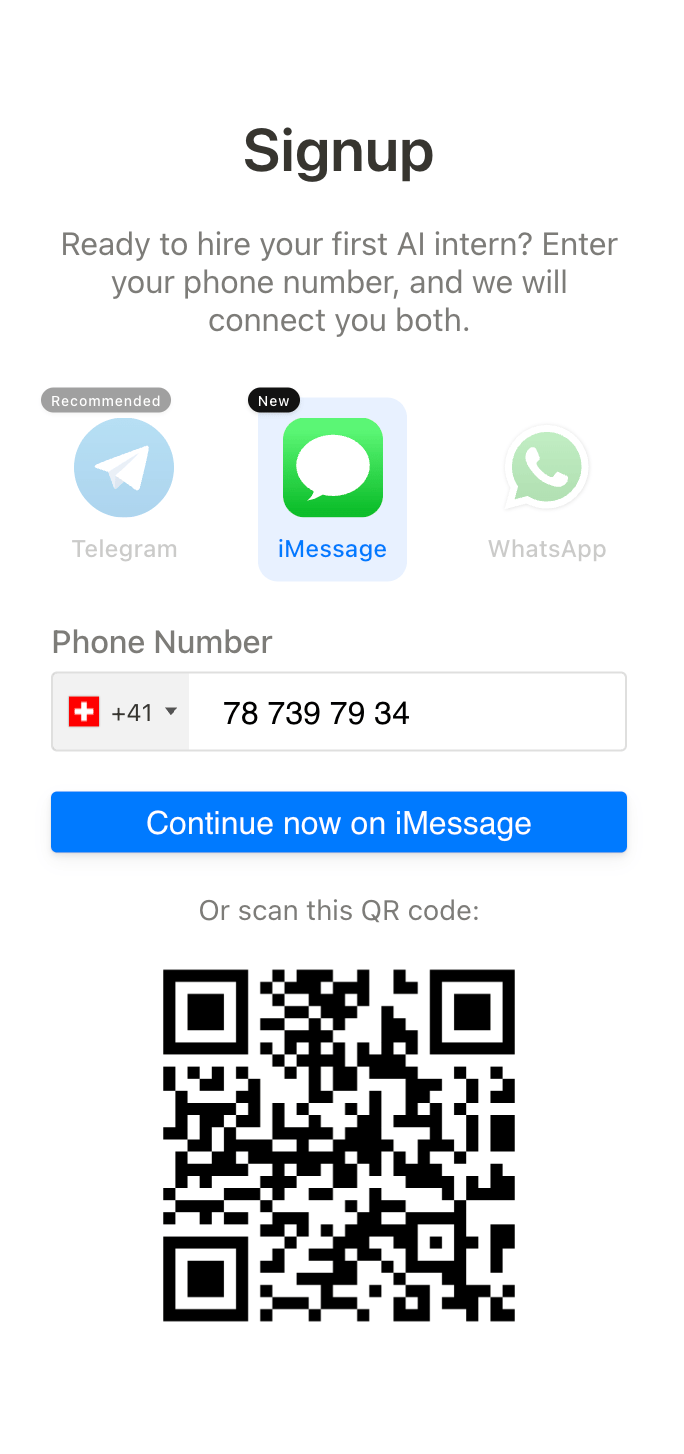
- Select “iMessage”, enter your phone number and click “Signup”
- Either scan the QR code or click the button “Continue now on iMessage” to open the iMessage conversation with Notis
- Follow the instructions in our quickstart guide.
Phone Number Requirement
Notis requires you to use your phone number (not your email address) to start conversations in iMessage. By default, iMessage may be set to start new conversations from your Apple ID email address. When adding your phone number in Channels, include the country code at the beginning—for example,+1 in the US and Canada.
If you’re using an email address for iMessage conversations, you’ll need to switch to your phone number to use Notis:
- Open Settings > Apps, then tap Messages
- Tap Send & Receive
- In the “Start New Conversations From” options, tap your phone number
Email Aliases
If you send messages to Notis via iMessage using an email address (rather than your phone number), Notis needs to recognize the sender. By default, Notis validates incoming messages against your primary registered email. However, you may send from an alias such as:-
Plus-addressed emails (e.g.,
you+ios@domain.com) - iCloud “Send From” aliases
- iCloud Hide My Email addresses
-
Custom domain aliases (e.g.,
family@yourdomain.com)
Adding an Email Alias
- Open Settings → Channels in the Notis portal
- On the Email card, click Add email alias
- Enter your alias email address, click Verify alias, then open the link sent to that address
Message Effects and Reactions
iMessage supports rich reactions and message effects, allowing Notis to provide clear status updates on your requests. We currently use emoji reactions to communicate:Limitations
While iMessage integration offers powerful functionality, there are some limitations to be aware of:Character Limits
iMessage has generous character limits for text messages, supporting up to 10,000 characters per message.Formatting Restrictions
Notis sends iMessage replies as plain text. Links are shown as visible text plus the URL, images and files are sent as attachments, and tables are simplified into concise text or shared as a file.Other Limitations
- Locations, contacts, and polls are not supported.
- Group discussions are not supported.
- iMessage is only available on Apple devices (iPhone, iPad, Mac).