

Connect Slack
Notis integrates with Slack, allowing you to interact with your Notion workspace directly from a Slack channel. This integration enables your team to access, create, and manage Notion content without leaving Slack. How to Connect- Head over to your Notis portal and open Settings → Channels
- Click on Connect Slack
- Authorise Notis to access your Slack workspace
- Start a new conversation with Notis
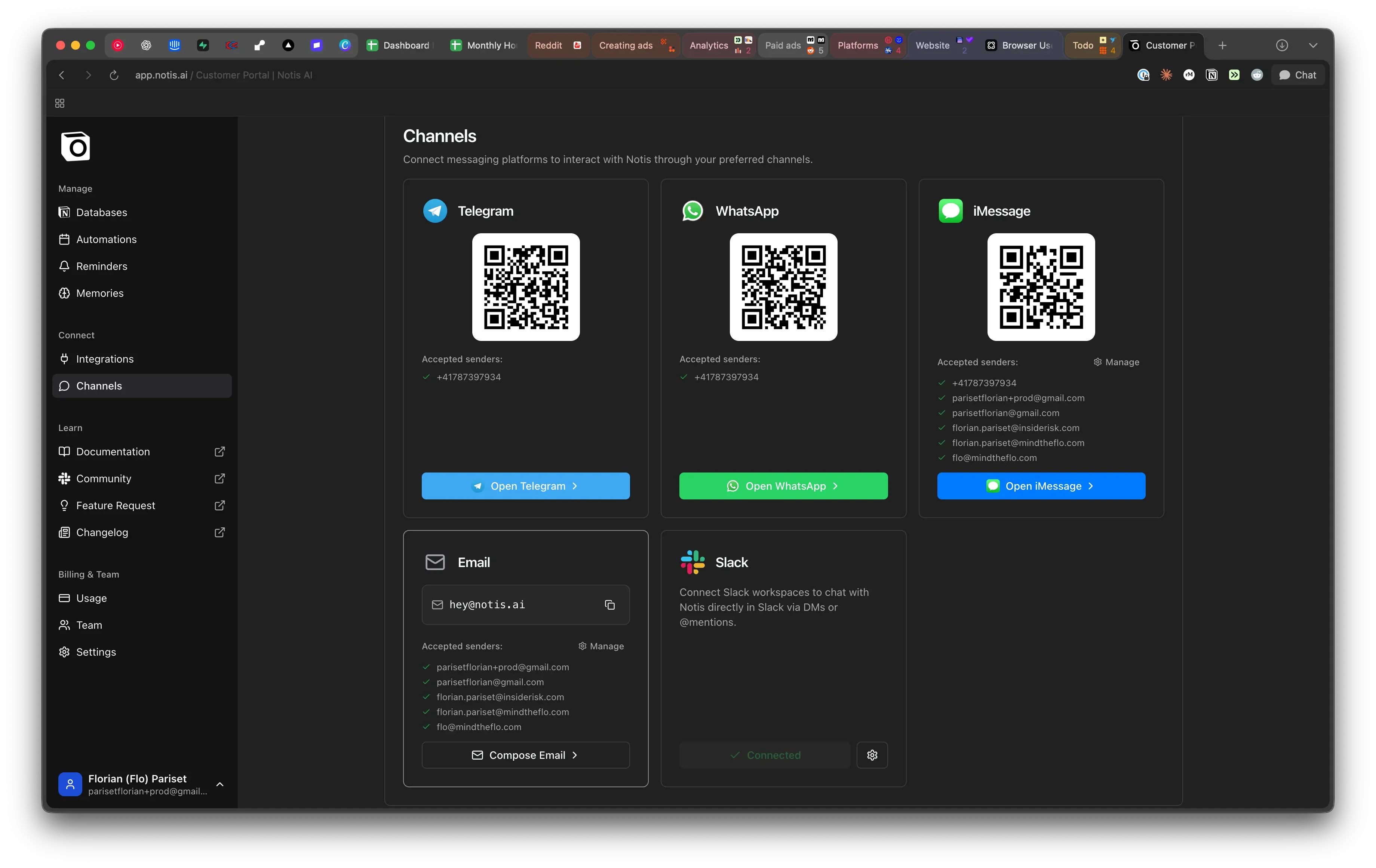
Interact with Notis on Slack
Slack Channel & Groups
- Use @notis in a channel to ask a question to Notis. The context of the conversation is passed to Notis.
- @notis need to be used on each message to Notis.
- @notis uses the Notis user’s account to preserve your privacy.
Direct Messages
- Send message to Notis as any of your Slack contacts.
- Notis maintains a separate thread for each message, allowing you to multitask on multiple projects while staying organized.
- You can forward messages to Notis from any group or Slack channel.
Other features
Rendering and attachments
Slack replies support named links in the message body. Images and files are uploaded as Slack files rather than rendered from markdown image syntax, and markdown tables are simplified into readable text or shared as a file.Slack Commands
Use/notis-portal to get a unique link to your Notis portal.