

Overview
Voice Mode is the fastest way to talk to Notis. During a call, the voice agent can answer questions, take notes, and trigger actions that continue after you hang up. You can start a Voice Mode session from three places:- WhatsApp — tap Call in your WhatsApp chat with Notis.
- Desktop and Web app — open any thread at app.notis.ai/manage and start a voice session from the chat panel. The session stays attached to that thread, so notes and follow‑ups land on the same conversation.
-
Desktop overlay — in the desktop app, open voice mode from anywhere with
Option + Shift + Spaceon macOS orCtrl + Alt + Shift + Spaceon Windows. If the overlay is already open,Shift + Tabswitches between chat and voice. - Phone number — call +1 828 809 0858 from any phone. Useful when you don’t have data, when WhatsApp isn’t installed, or when you want to dial in from a landline or car system.
All three surfaces share the same agent, the same memory, and the same tools. You can start a call on one surface and review the transcript and follow‑ups in the Desktop and Web app.
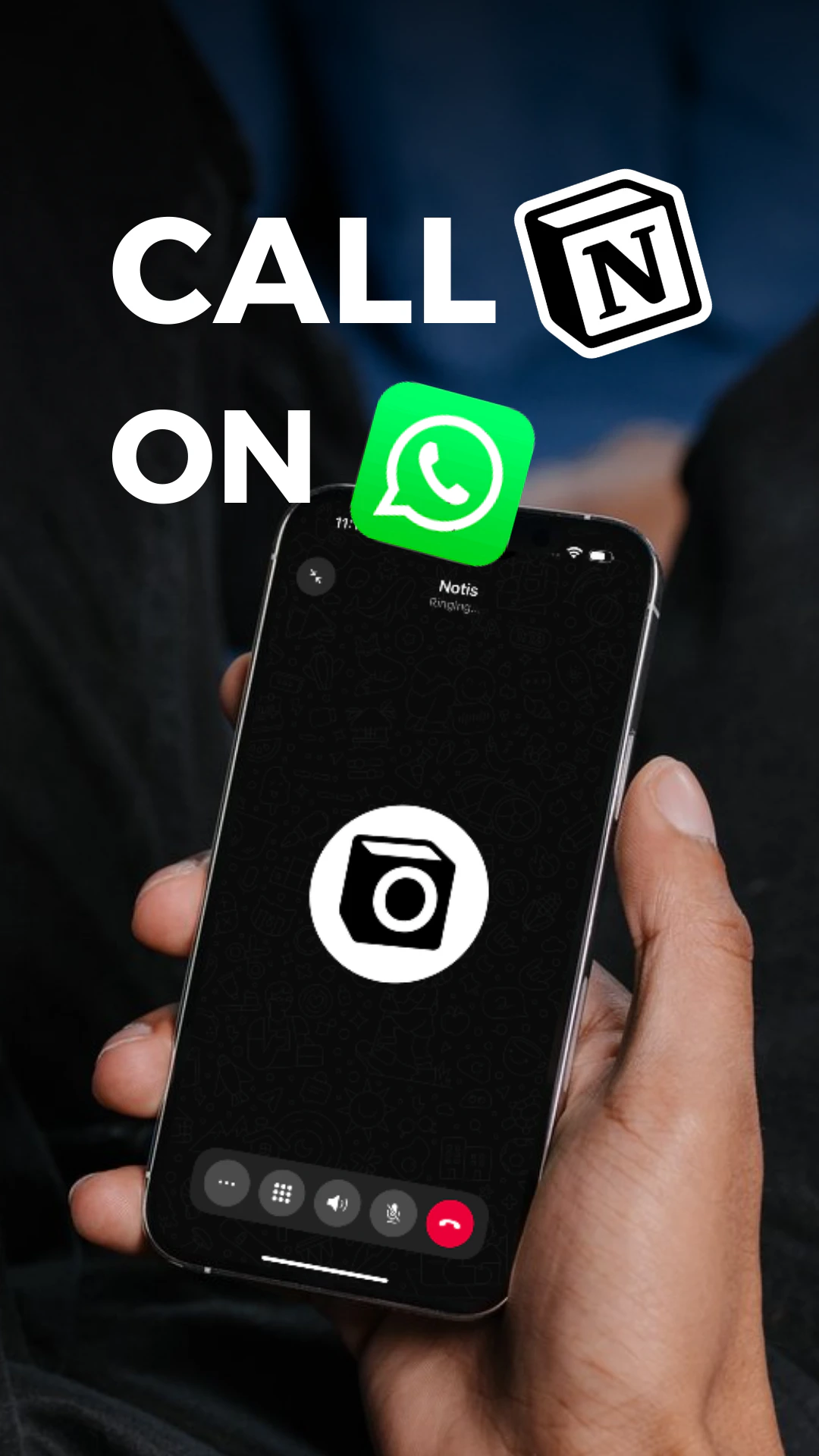
How to start a call
From WhatsApp
- Open your WhatsApp chat with Notis
- Tap Call to start a voice session
- Speak naturally — ask questions, delegate tasks, or describe what you need
- Hang up — Notis can continue working in the background and deliver results to WhatsApp and Notion
From the Desktop and Web app
- Open app.notis.ai/manage
- Pick a thread (or start a new one) and open the chat panel
- Click the Call button to start a voice session in that thread
- Hang up — the transcript and any follow‑ups stay attached to the thread
From the desktop overlay
- Install and open the Notis desktop app.
-
Press
Option + Shift + Spaceon macOS orCtrl + Alt + Shift + Spaceon Windows. -
If the overlay is already open in chat mode, press
Shift + Tabto switch to voice (and back). - Speak naturally. Dismissing the overlay hides the card but keeps the voice session alive.
From a phone number
- Dial +1 828 809 0858 from the phone number connected to your Notis account
- The agent picks up and you can speak immediately
- Hang up — Notis continues any handed‑off work and delivers results to your default channel
What the AI agent can do
The voice agent can discover and use most tools you’ve already connected to Notis, so anything Notis can do over WhatsApp or the desktop app is also reachable mid-call — within the limits noted below. To connect a new tool, use another Notis channel or open the Notis portal.What voice cannot do directly
Some capabilities are deliberately disabled for voice — either because they need a screen, because they take too long for a real‑time call, or because they’re impractical to dictate. Ask the agent to hand off to async Notis instead, and these run in the background:- Image and video generation — generating or editing images and videos.
- Text‑to‑speech rendering — producing audio files (the voice itself is already synthesized live).
- App creation and installation — building, installing, or updating Notis apps requires the desktop or web app.
- Custom skill authoring — installing existing skills from the store works, but writing or editing skill files is best done via the other channels.
- Deep research — long multi‑step research runs are handled by the async agent, not live on the call.
After the call (handoff to Notis)
At the end of your conversation, the agent can hand over complex or time‑intensive tasks to Notis, which continues working asynchronously and delivers results to WhatsApp, the desktop app, and Notion. This includes:- Creating and updating Notion pages and databases
- Querying databases with complex filters
- Summarizing long documents
- Organizing and structuring information
- Scheduling follow‑up work
- Running multi‑step workflows that combine several integrations and skills
Example use-cases
- Brainstorm a new business idea, then ask Notis to create a recap document in your notes database at the end of the call.
- Create a new morning report automation by iterating over the prompt with Notis.
- Search for your passport number while completing a rental car contract at the airport.
- Ask questions about a legal document or contract you’ve received.